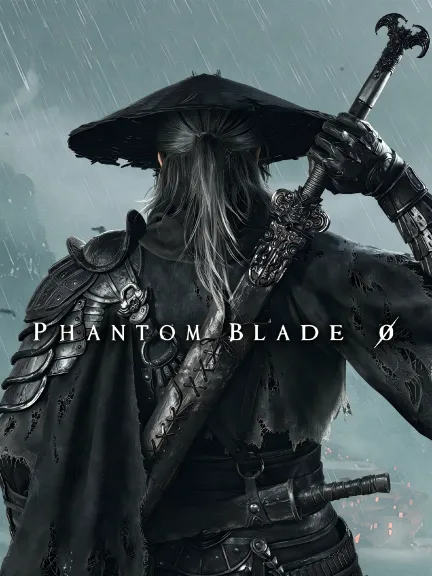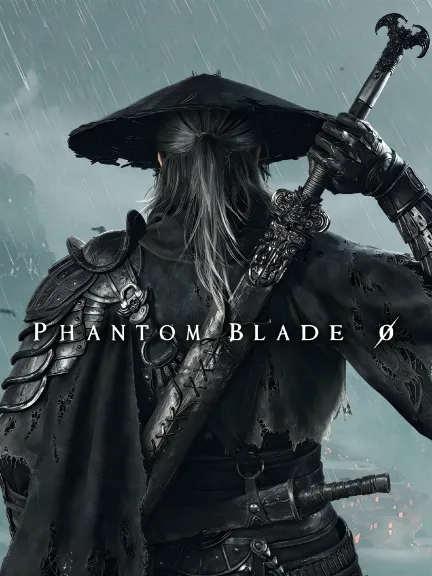
Phantom Blade Zero Global Code TOP-UP GUIDE
How to buy and Activate Your Phantom Blade Zero CD Key on LootHub?
- Head to LootHub and log in. No account? Register first.
- Top menu first: Click "Game keys" and find "Phantom Blade Zero" or search for it directly..
- Pick your prefer editon(Standard or Deluxe Edition), then click "Buy Now".
- Complete your checkout using your preferred payment method on our secure gateway.
- Enter the required details, then wait for delivery.
- After successful payment, the CD key will be sent to your email.paste the Phantom Blade Zero PC redeem code into the Steam Client.
Prerequisites:
Download and install the Steam client on your PC, and log in to your Steam account.
Activation Steps:
① Click "Add a Game" in the bottom‑left corner of the client
② Select "Activate a Product on Steam…"
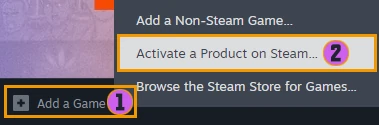
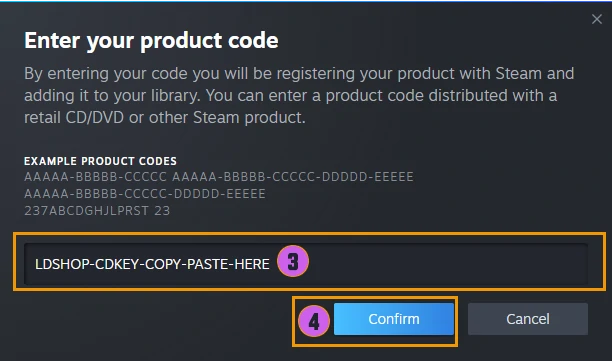
③ Enter the Key you received into the input field
④ Click "Next" and follow the on-screen instructions to complete the activation
After activation, you can find and download the game in your "Library".